Showing posts with label AtomicStryker. Show all posts

Thursday, August 15, 2019

Infernal Mobs

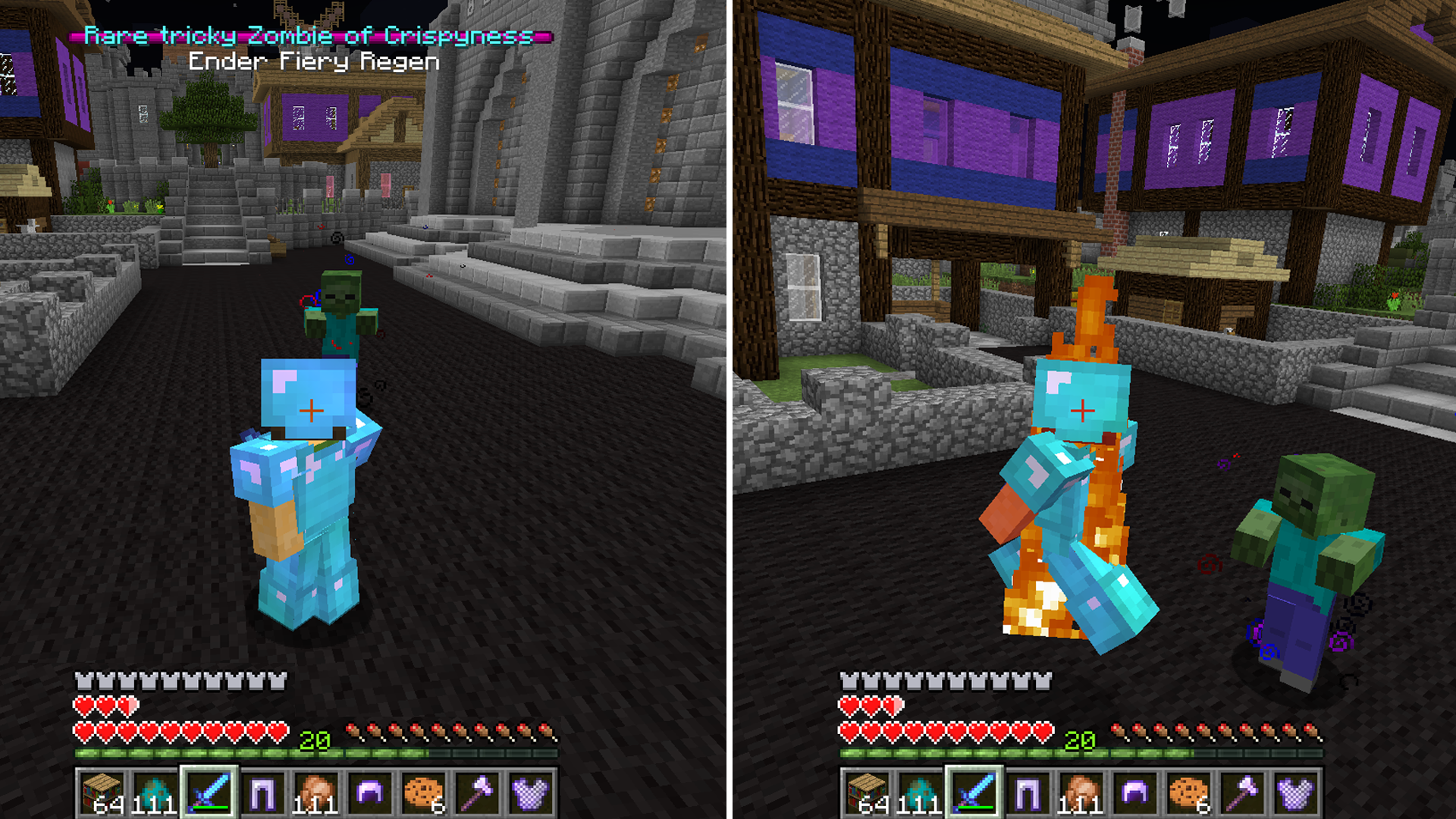
The Infernal Mobs mod gives each enemy in the game special modifiers to make them more challenging to fight. Not all mobs that spawn will have the modifiers but there is a percentage that will throughout your journey. The benefit to fighting harder mobs is that they drop much more XP and even a random enchanted item. So if you’re looking for a new challenge in Minecraft then consider Infernal mobs.
1up
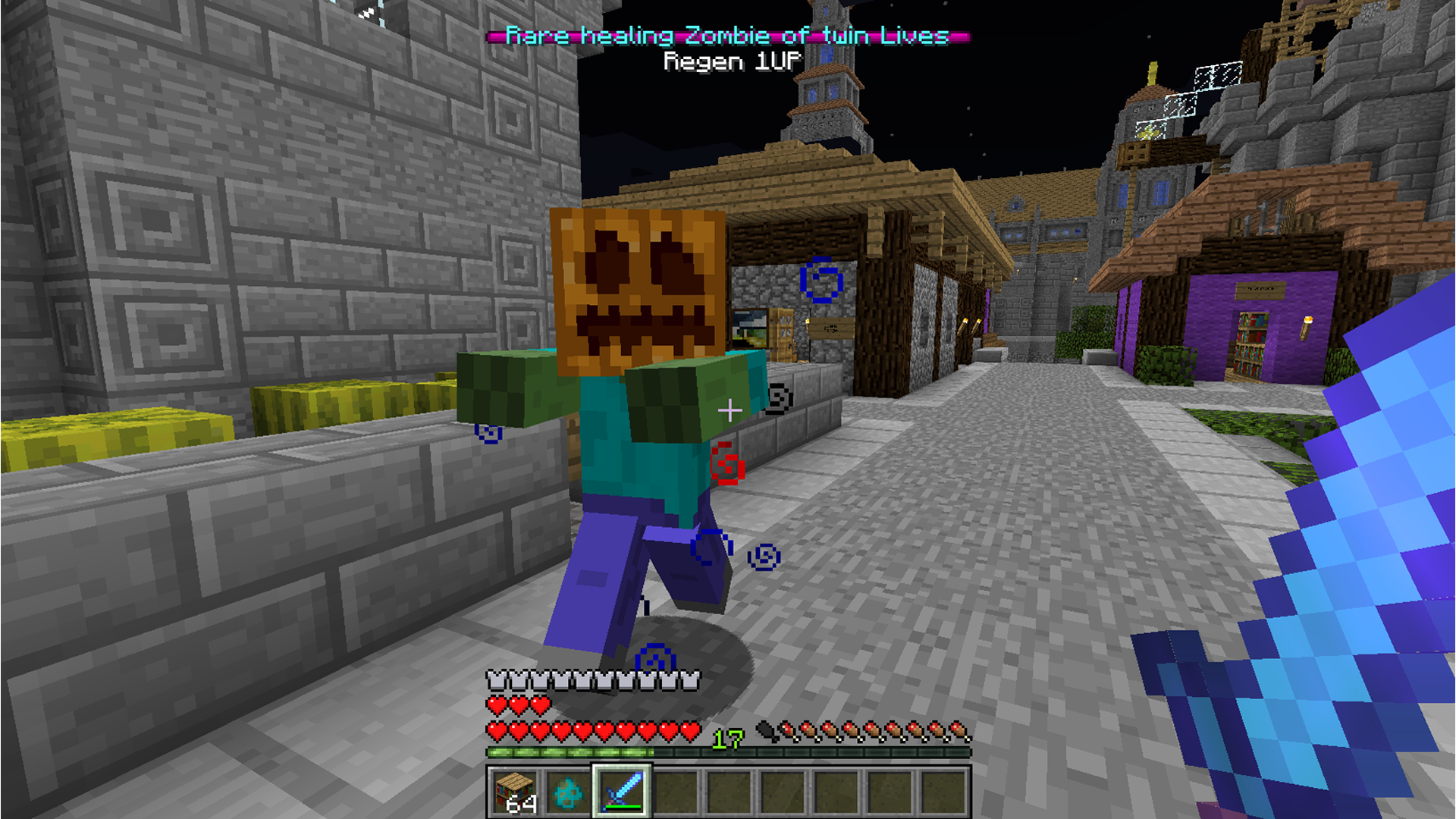
Each modified mob will display their name and type of modifier they have at the top of the screen. The 1UP modifier will cause a mob to heal back to full health when it gets low. This will only happen once during battle but it could put a damper in your fighting if you encounter multiple enemies at once. There’s also a Regen mob that will slowly regain its health as well and this will happen until you can kill it entirely. In a similar regard the Lifesteal mob will gain health with each attack it deals on you.
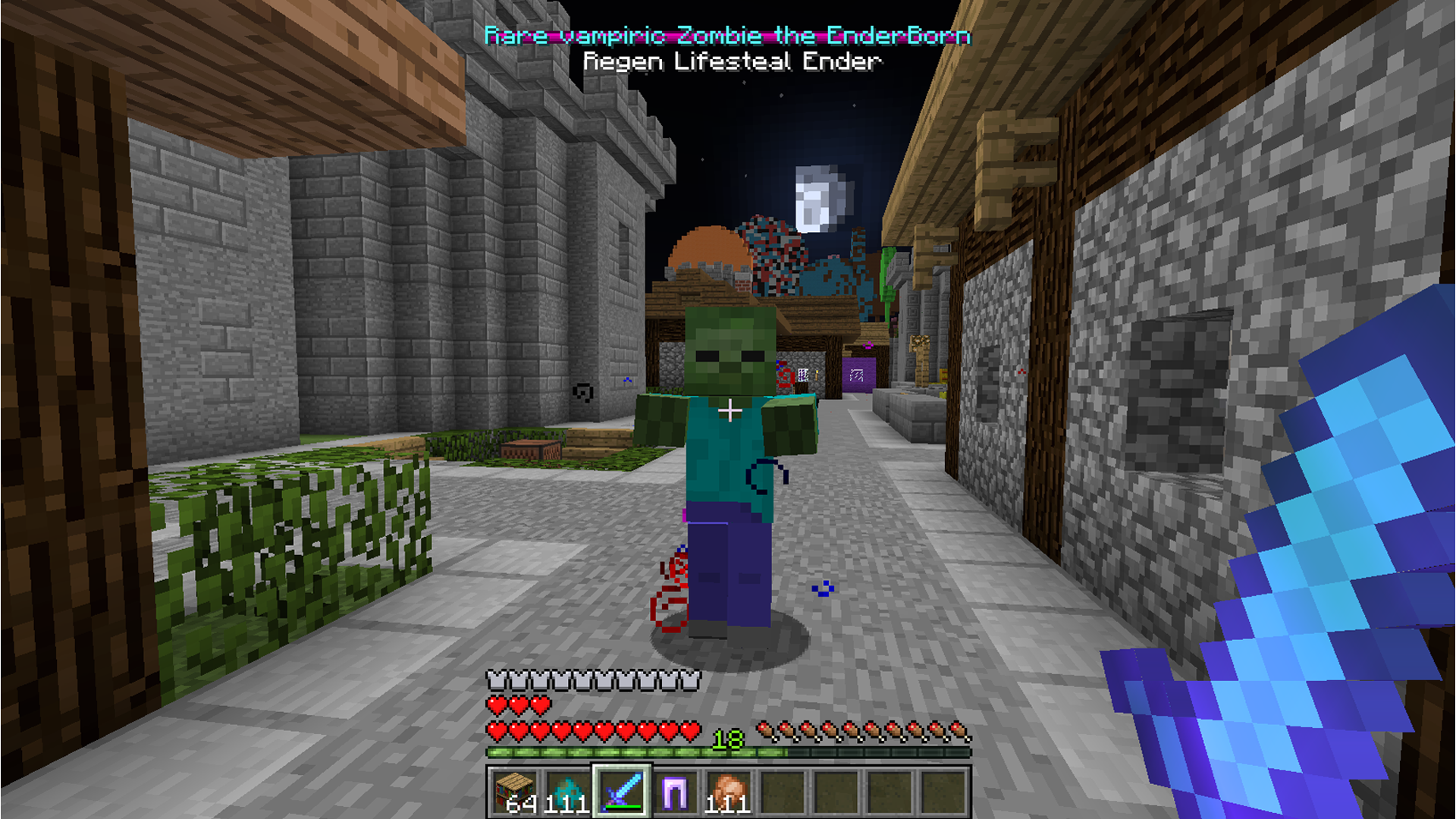
lifesteal
Ghastly mobs will shoot fireballs and Fiery mobs will set you on fire.
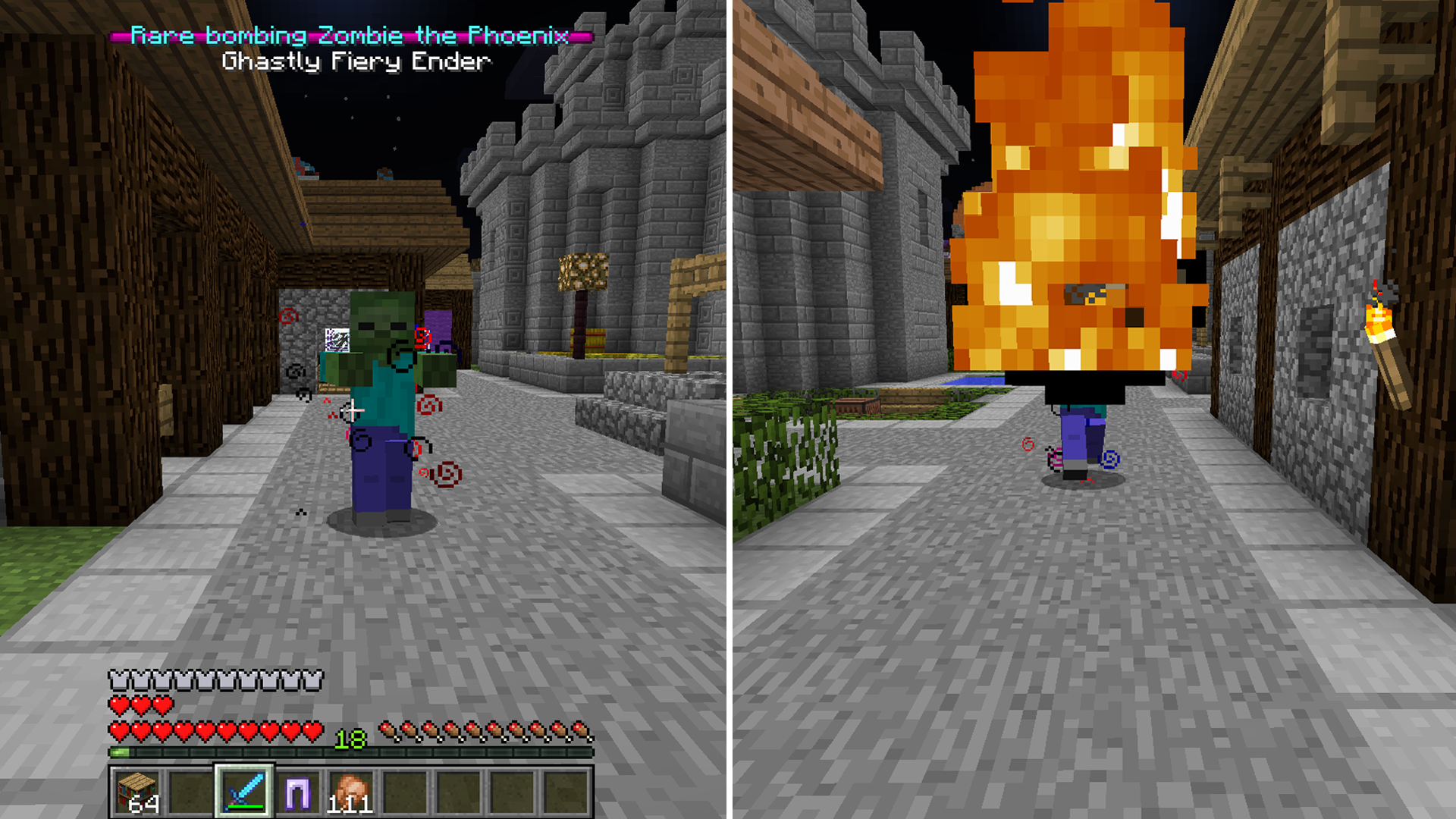
ghastly
fiery
The Ender and Ninja mobs are able to teleport their attacks at you or teleport away from you when you attack.
Teleport
And probably one of the worst are Cloaking mobs that have a constant invisibility potion effect on them. These can be very dangerous for the obvious reason that you won’t see them coming until they attack.
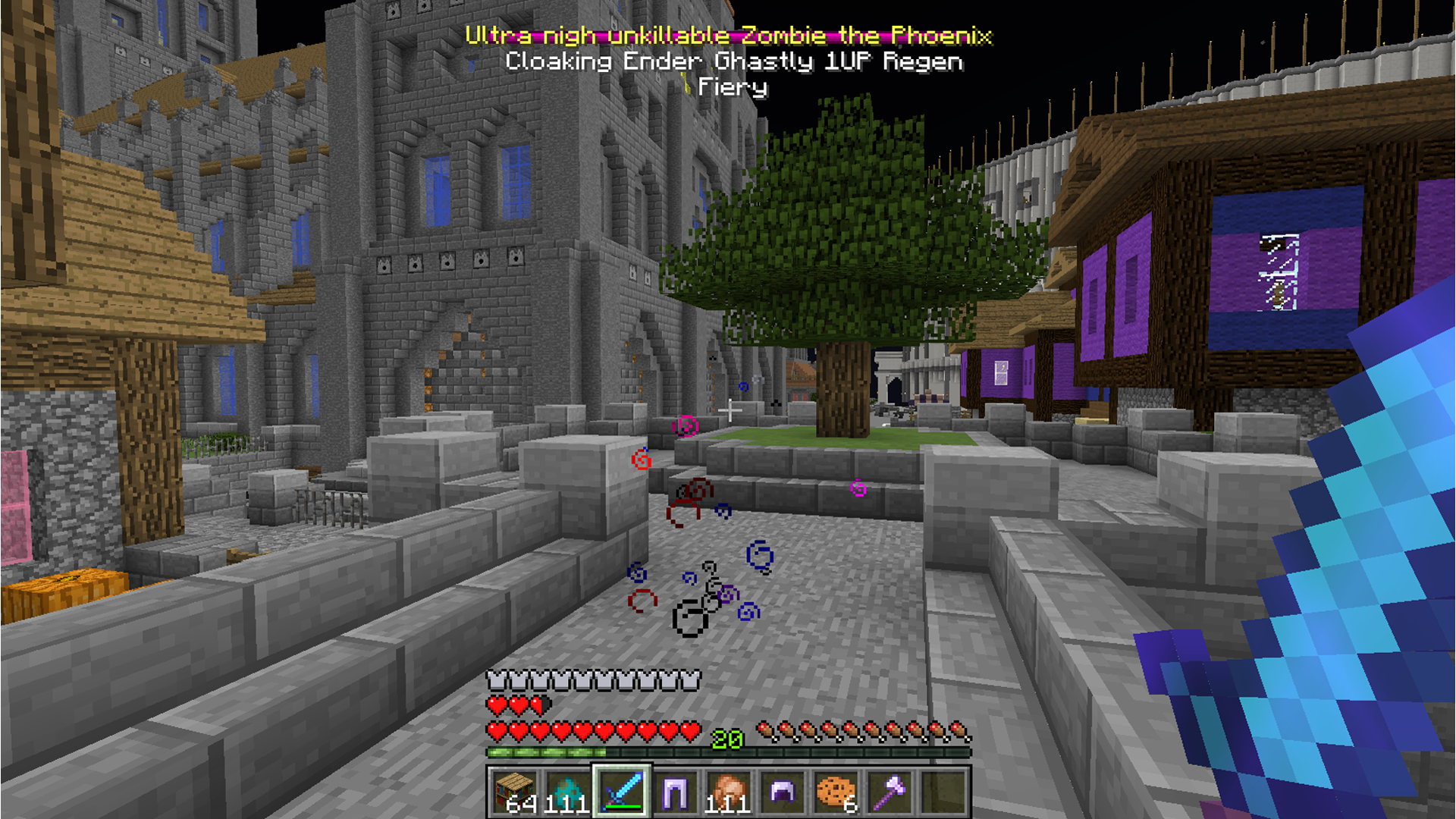
cloaking
This mod definitely amps up the enemies in the game and may give you pause when you encounter an enemy you can typically handle in any normal situation.
Download
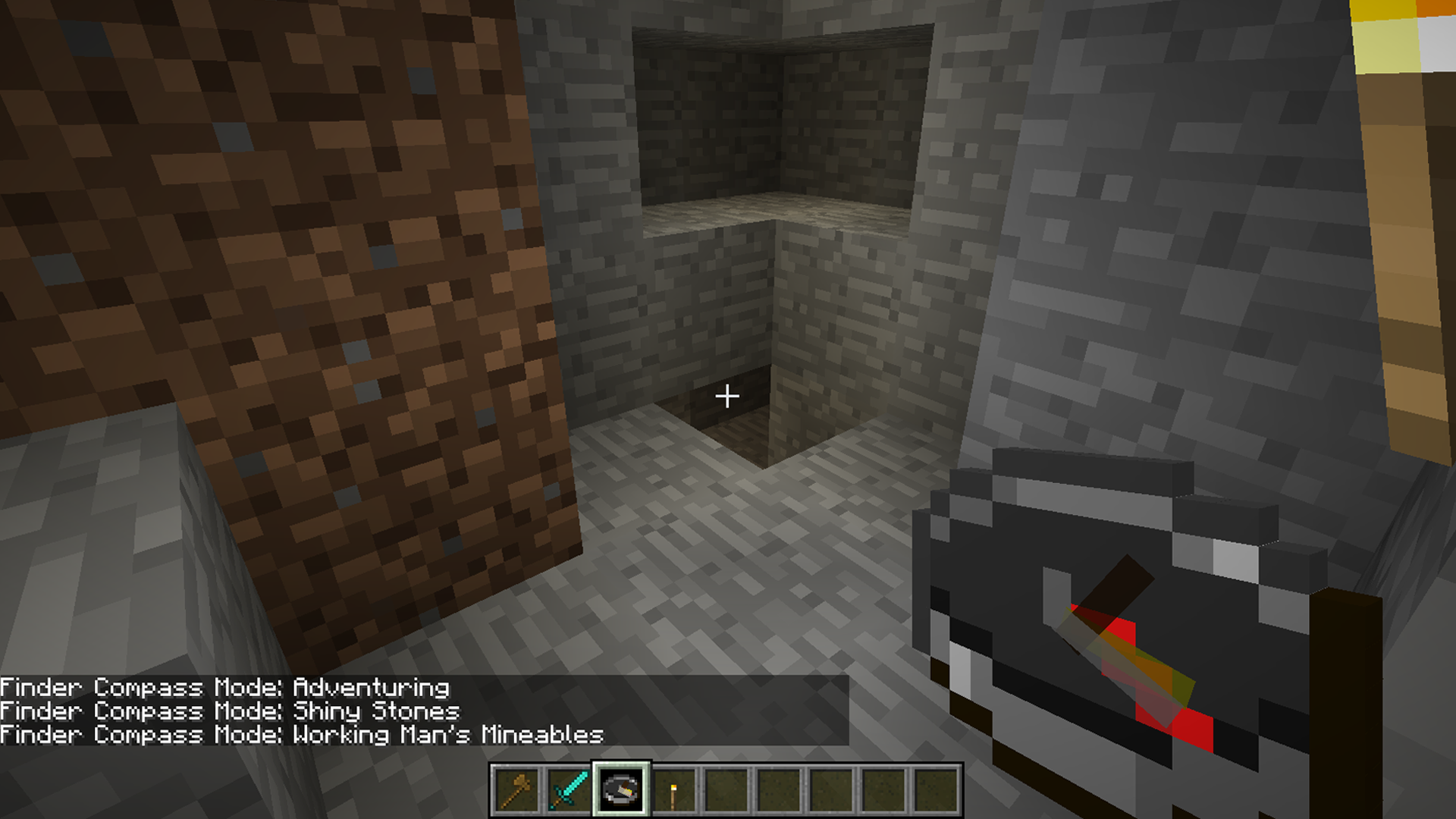
Finder Compass

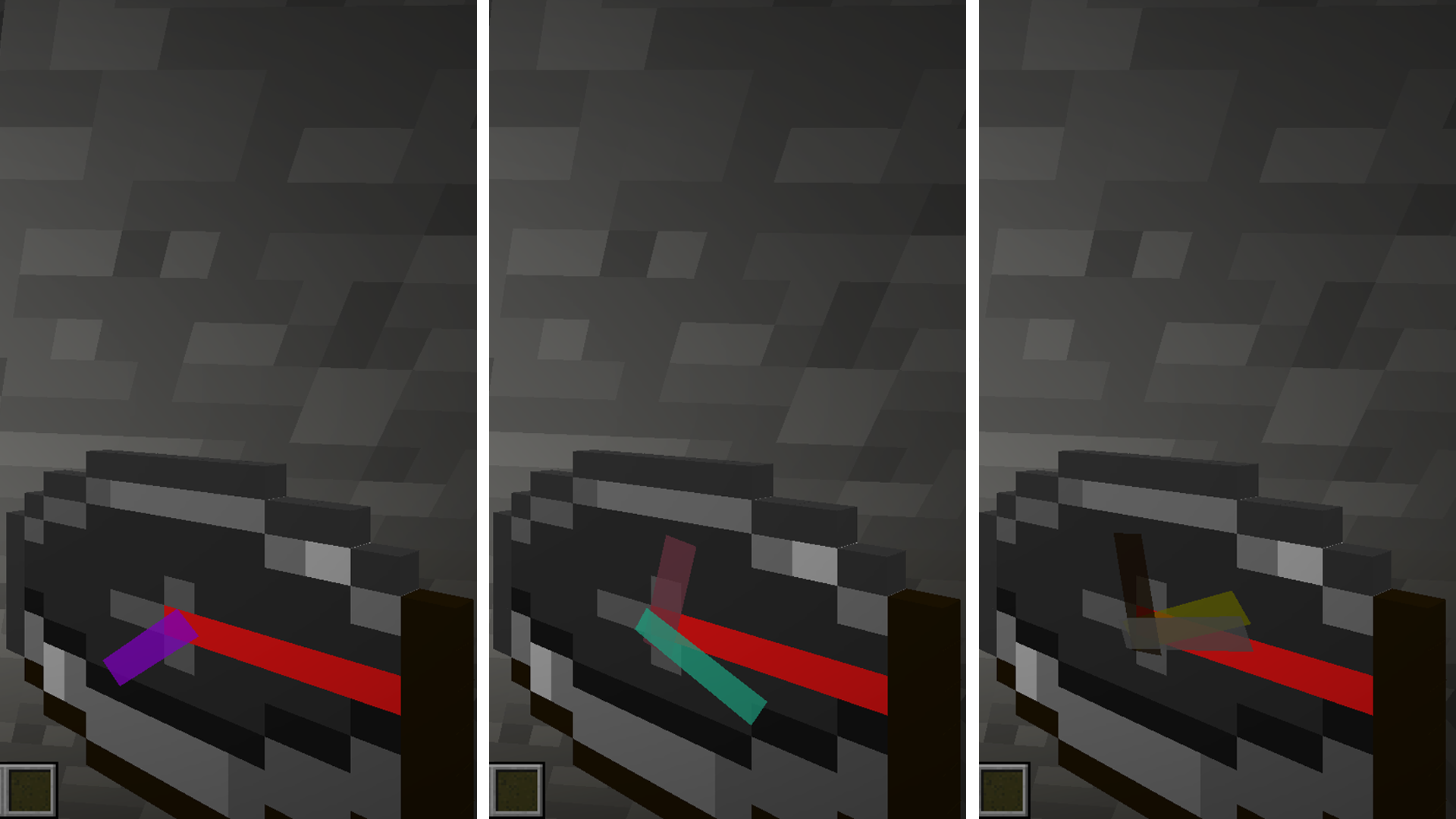
The Finder Compass gives a little more ability to your standard compass. It adds extra needles to help you find strongholds, diamonds, mob spawners or any other ores. There are 3 modes to set the compass: Adventuring, Shiny Stones, and Working Man’s Mineables; each able to find different things.
Settings
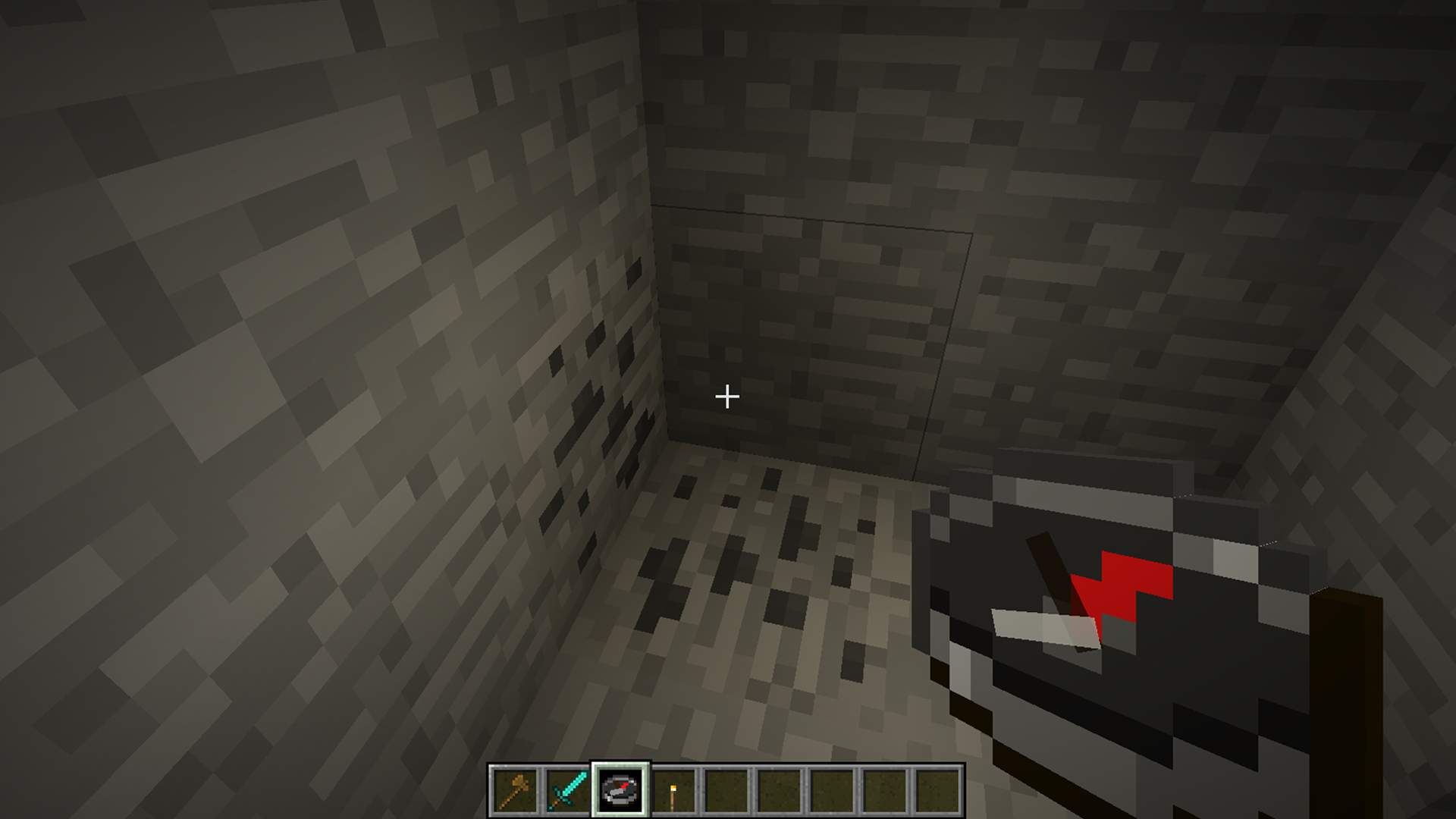
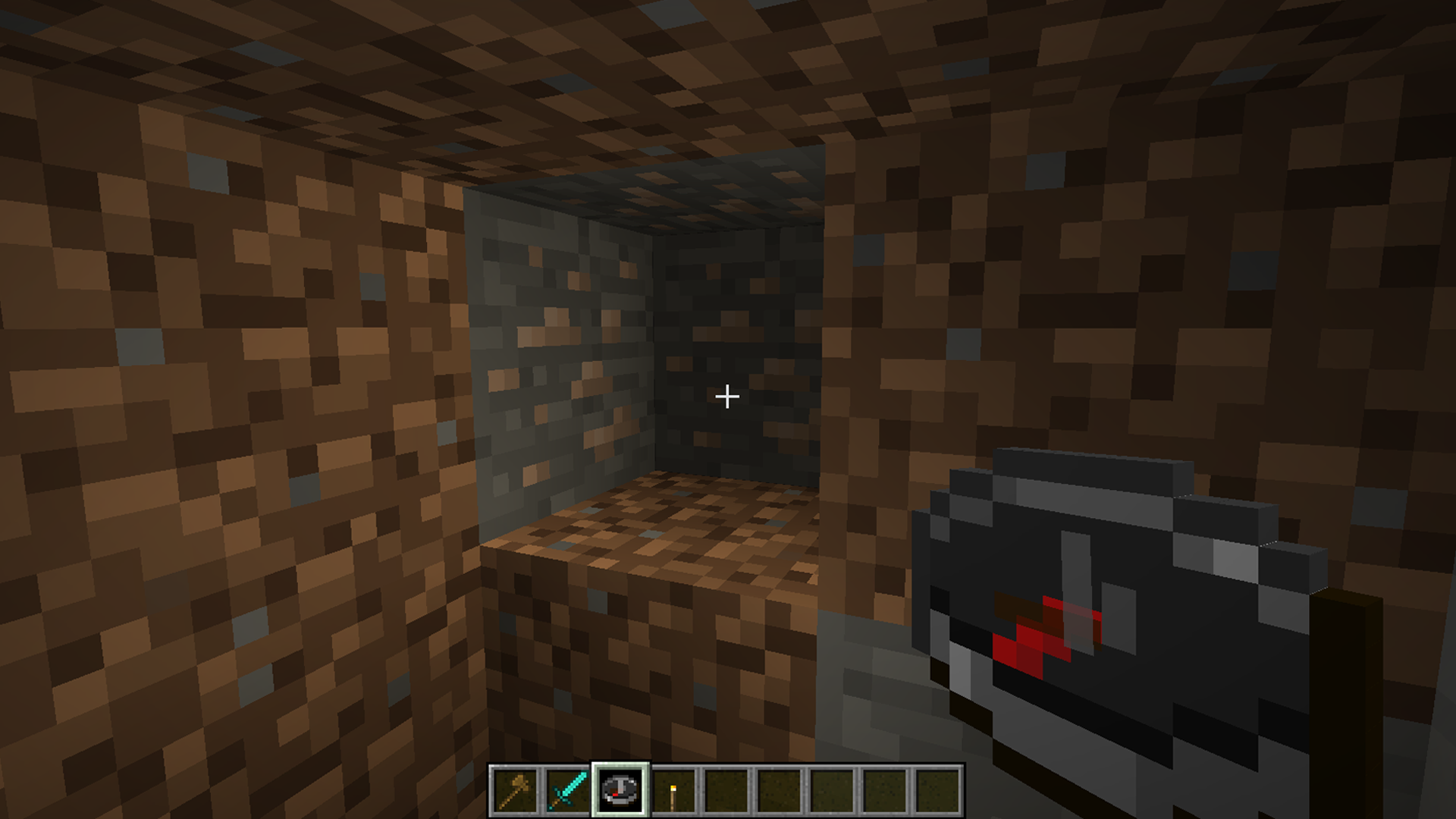
You can change the settings whenever you want by clicking anywhere with the compass. Adventuring mode will help find strongholds and emeralds; Shiny stones mode will find diamonds and redstone; and the working man’s mineables will find things like iron, coal, and gold. Then whenever you’re near the items in question just take a look at your compass and it will start to point where you need to go. The compass will color code the needles to which item they’re pointing to to make it easier to decipher what you’re looking for.
Compasses
It’s incredibly useful to cut down on the amount of time it takes finding useful things like iron, coal and especially diamonds. Now you won’t need to specifically vein a mine looking for those precious resources.
coal
iron
diamond
You won’t need to craft anything special either. This works with the standard compass.
Download

Battletowers

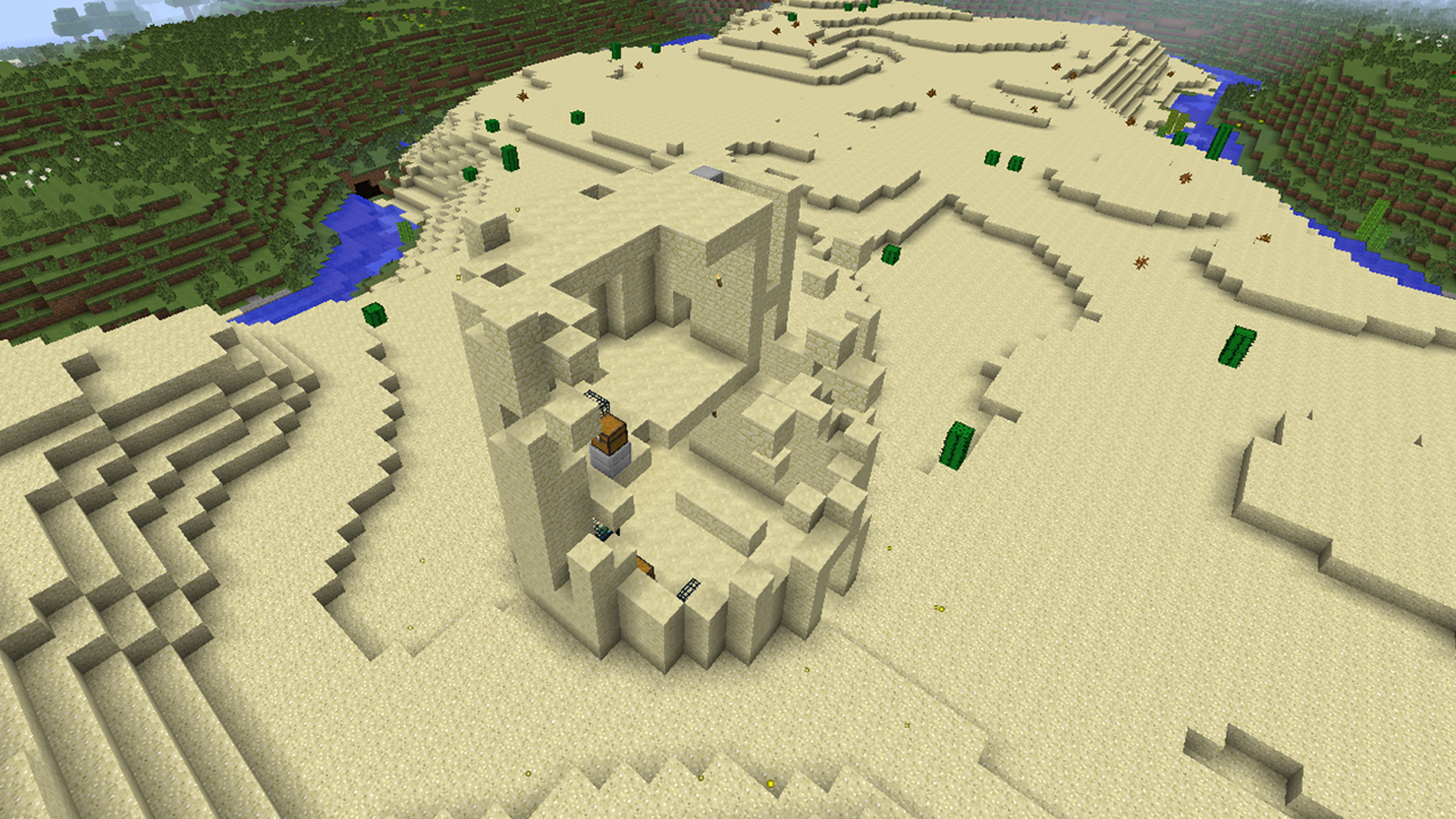
The Battletowers Mod adds a series of scalable towers to the game with enemies and loot on every level. They spawn in any biome and come in several different varieties ranging from stone to netherrack.
towers
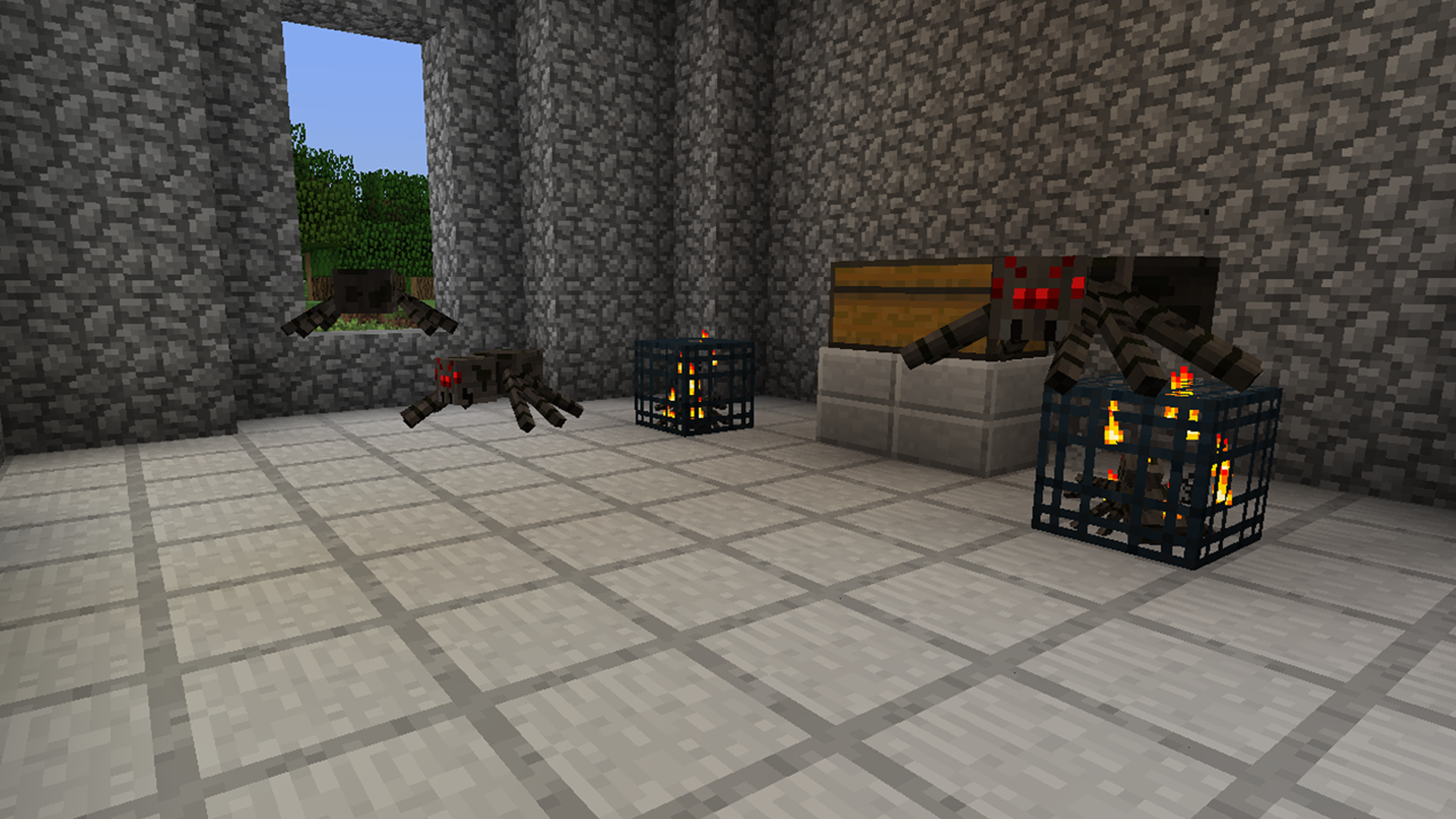
Each level contains two monster spawners that will either spawn spiders, skeletons or zombies. There’s also a chest on every level to loot once you’ve defeated all the mobs.
level
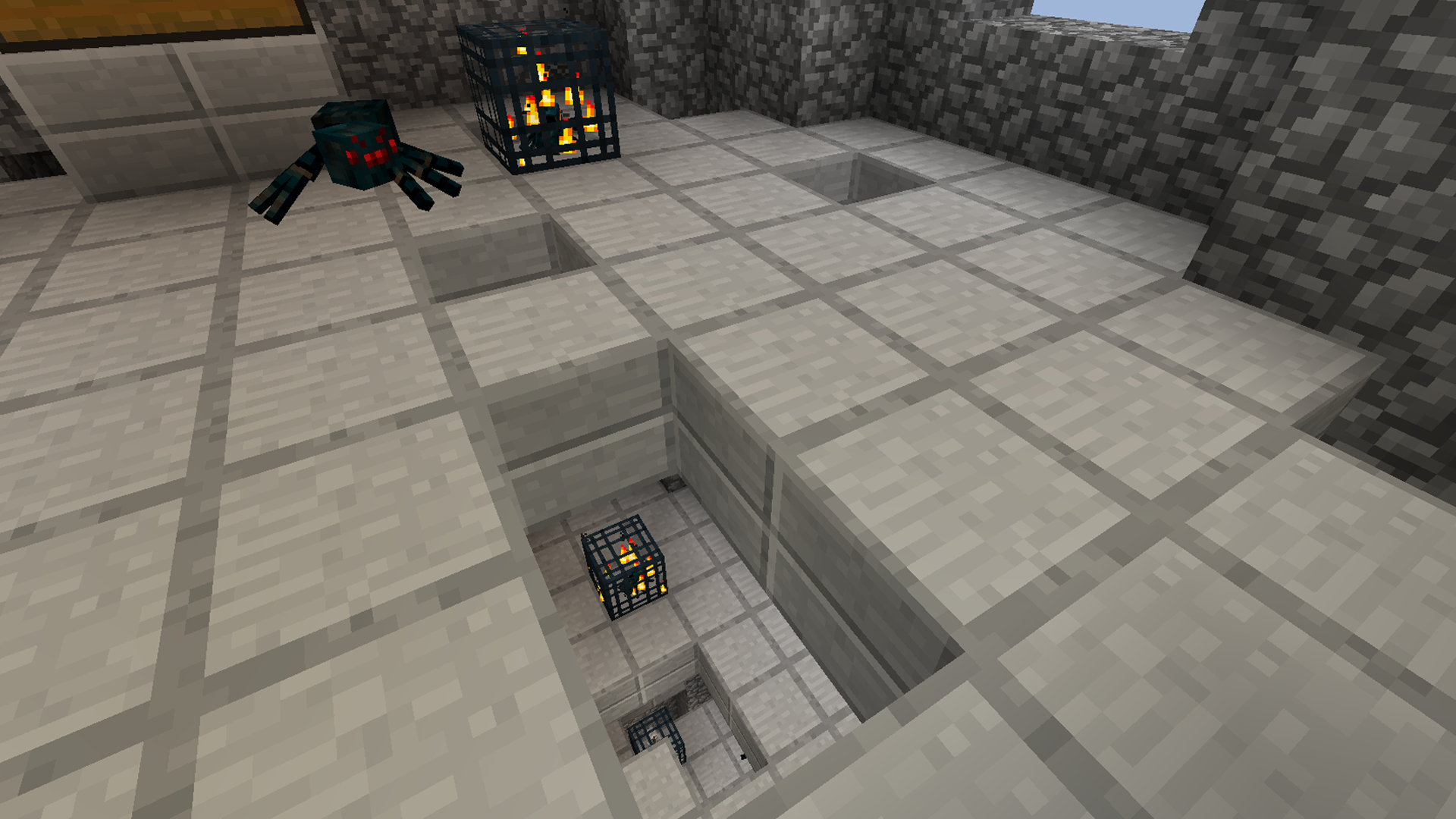
The levels get increasingly more difficult as you go up. Not only will you continually encounter angry mobs in a tiny room, but the floor starts to break away as well. So be careful and watch your step as well as mobs dropping from above you. It’s best to be well armed and protected before entering a tower.
holes
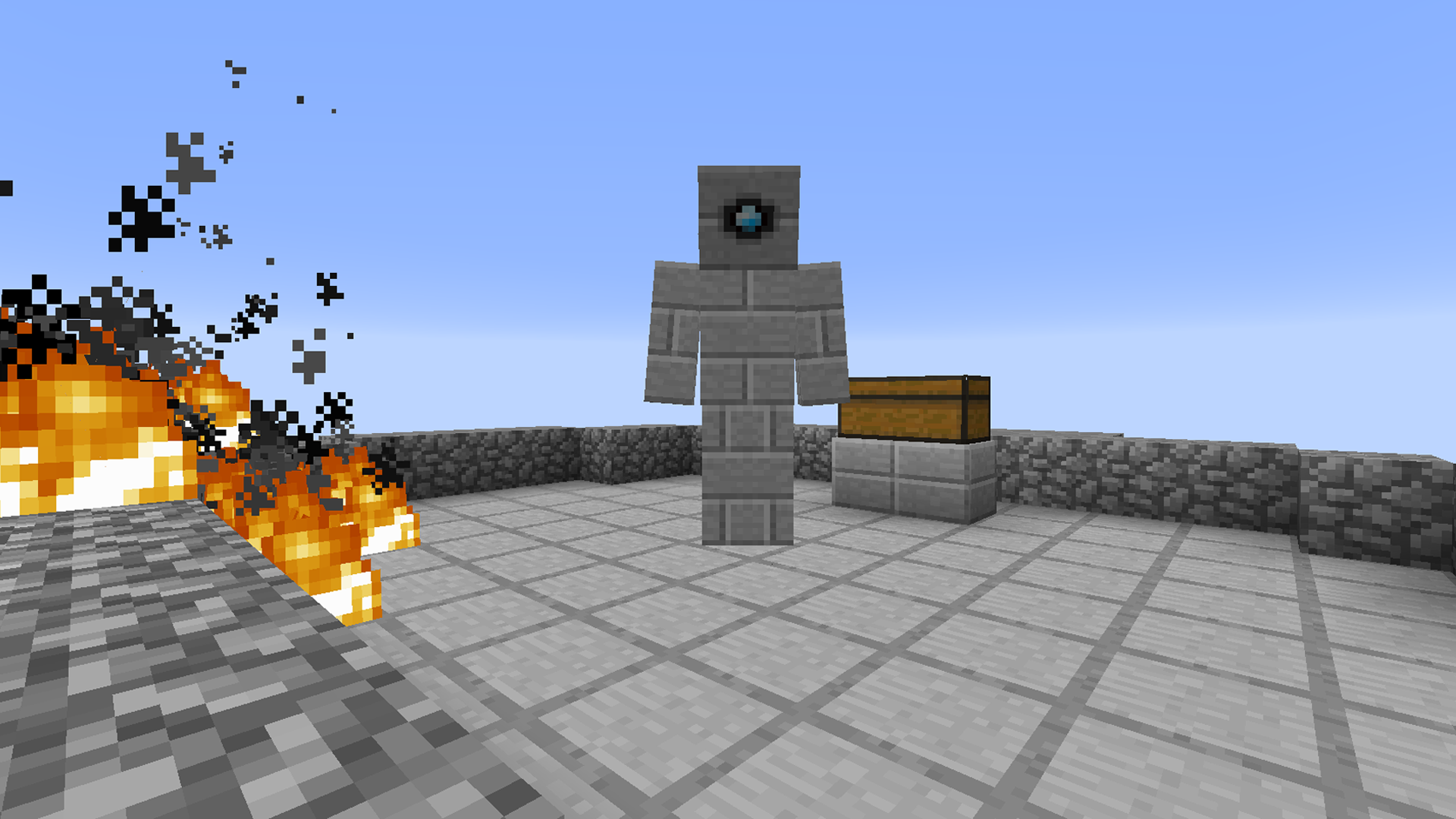
Once you reach the top you’ll encounter the Tower Golem. This mob is a very strong creature that fires flaming cannon balls at you, igniting fires where they land. This one is a tough one to take down but just be persistent and quick.
golem
If you defeat the Golem you’ll get a few diamonds and good stash from the final chest. But act quick because once the Golem is destroyed the tower will start to collapse. Each level will explode until the whole tower is eventually gone.
destroyed
Download

Magic Yarn

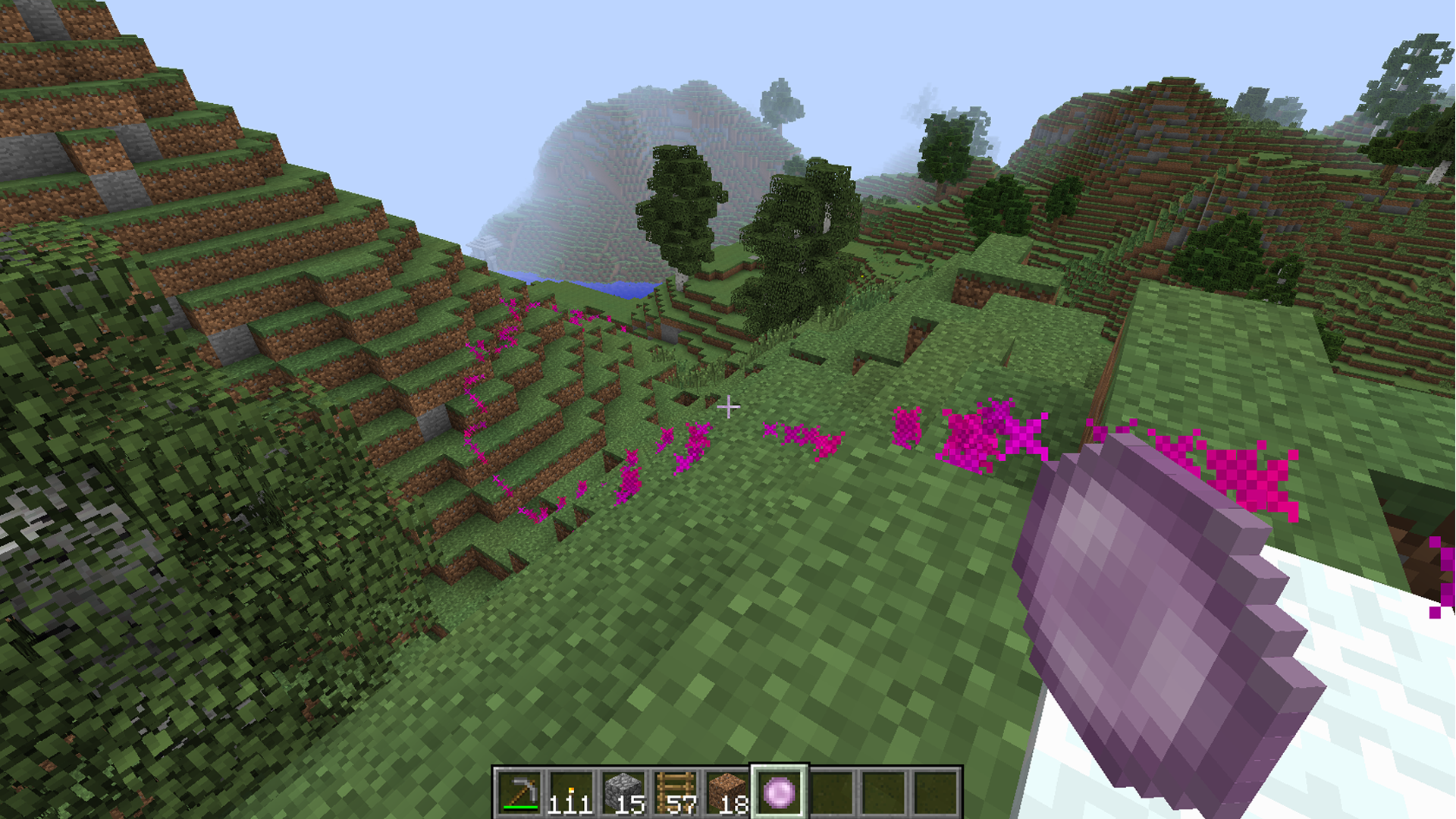
The Magic Yarn Mod is a fantastic tool for retracing your steps. If you’ve ever gone too far away from your base and end up lost, then you’ll want to invest in Magic Yarn. Set a waypoint and wander off to gather supplies or whatever you need. Then if you lose your way, all you need to do is call your waypoint back up.
landpath
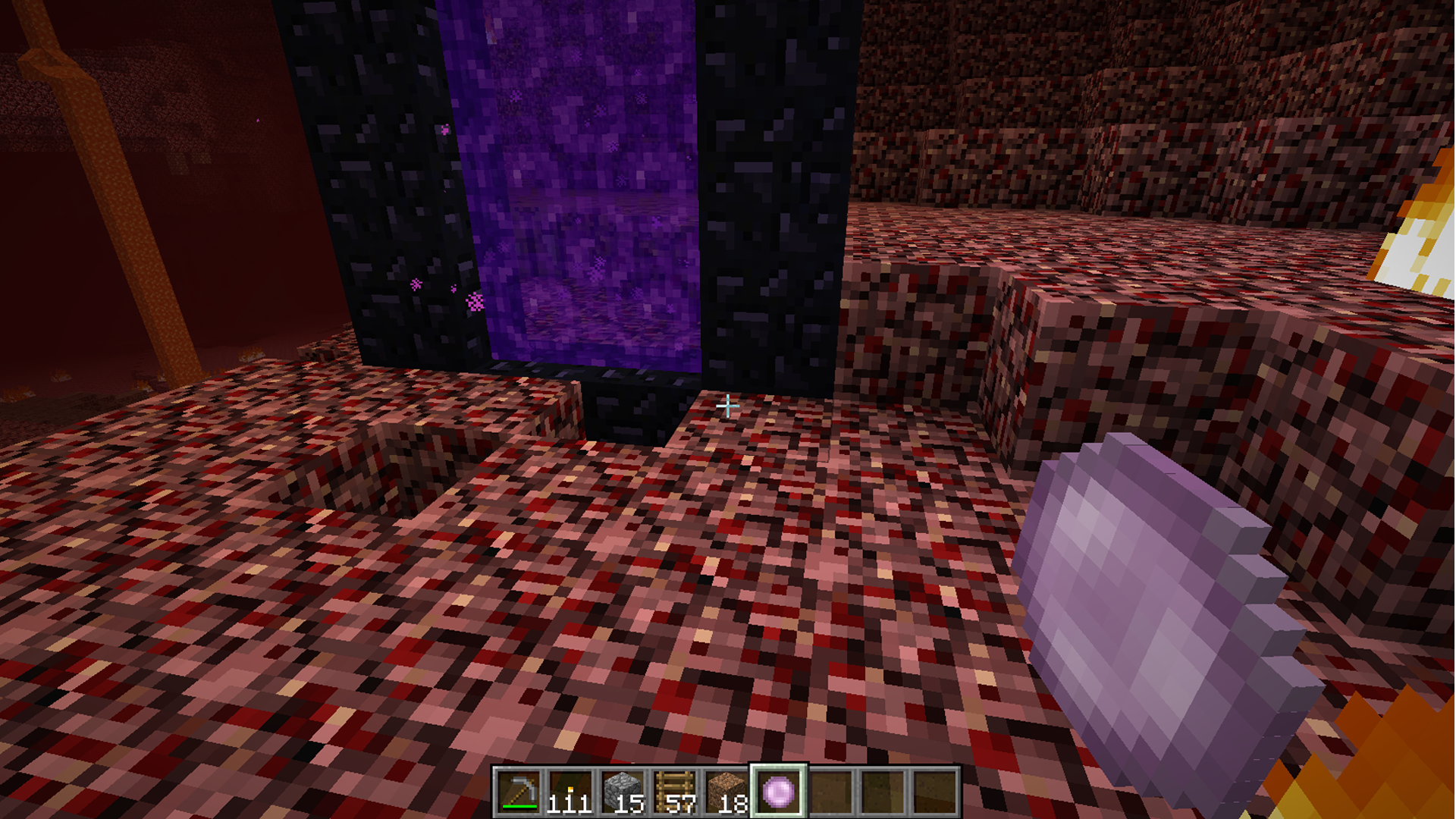
This mod is especially useful when trekking into the unknown such as the Nether. All too often you’ll travel to the underworld, get sidetracked by a huge glowstone or quartz vein, only to then realize you have no idea where your portal is. Worse yet, you don’t have any obsidian to get back. Now without a working compass, you’re stuck unless you can find your portal again. With the Magic Yarn mod all you need to do is right-click where your portal is to set your first point.
portal
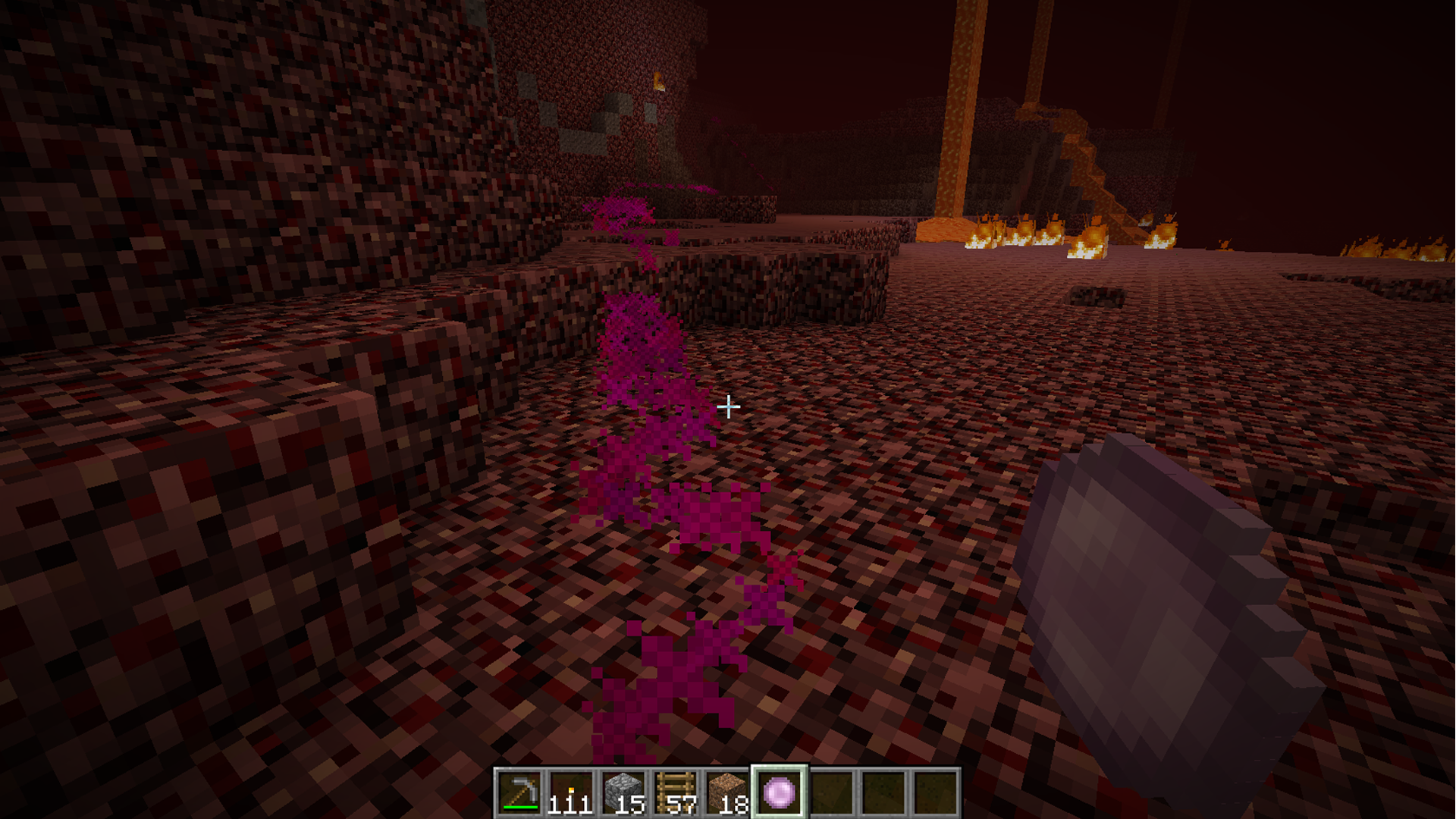
Then after you’ve gone a certain distance, right-click again and your path to freedom is revealed.
netherpath
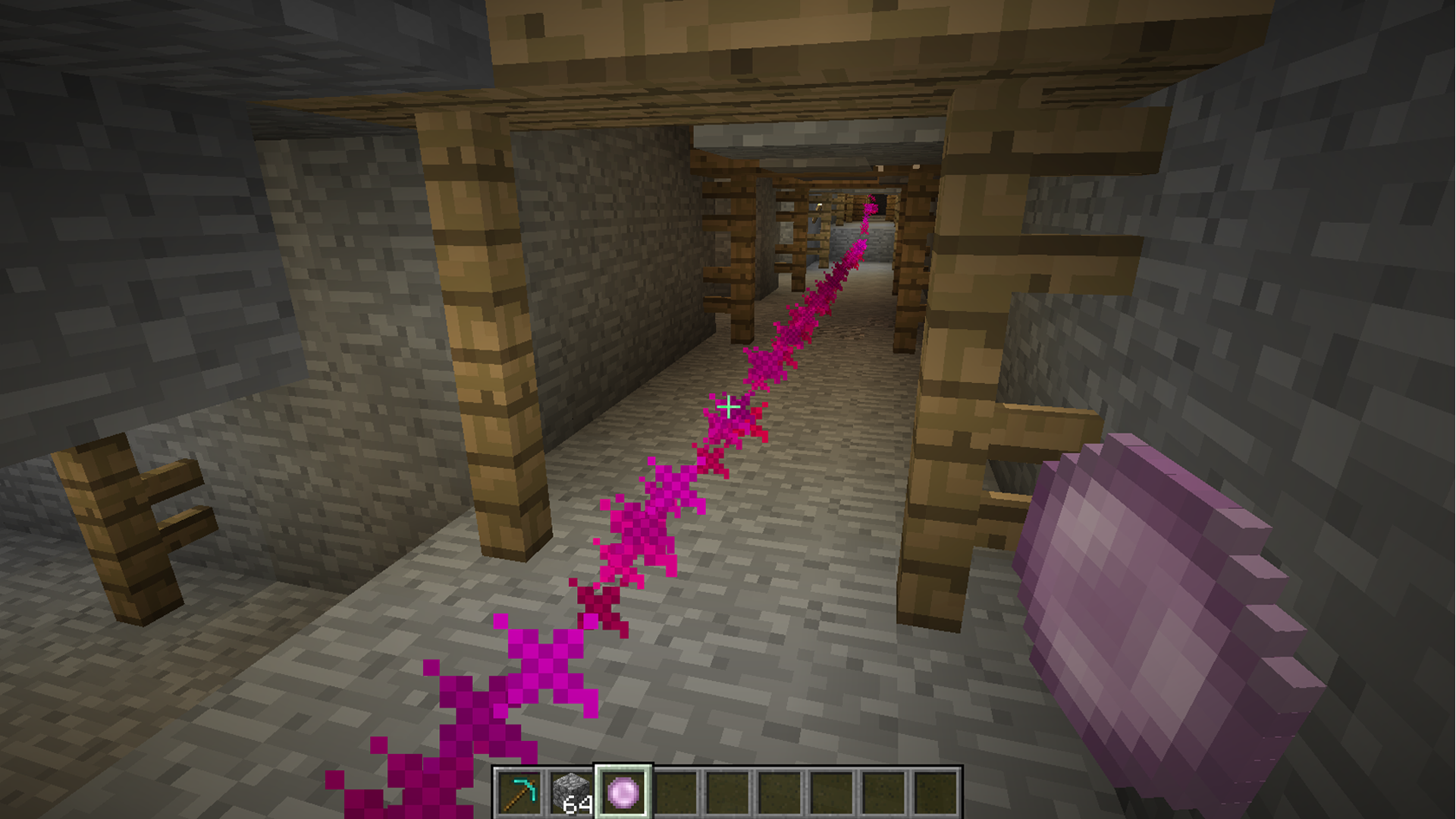
The mod works anywhere and will be useful in mines as well. It’s easy to get lost in a mine and if you don’t place good enough markers or signs, you’re likely to get stuck in one for hours. Magic yarn saves the day again.
minepath
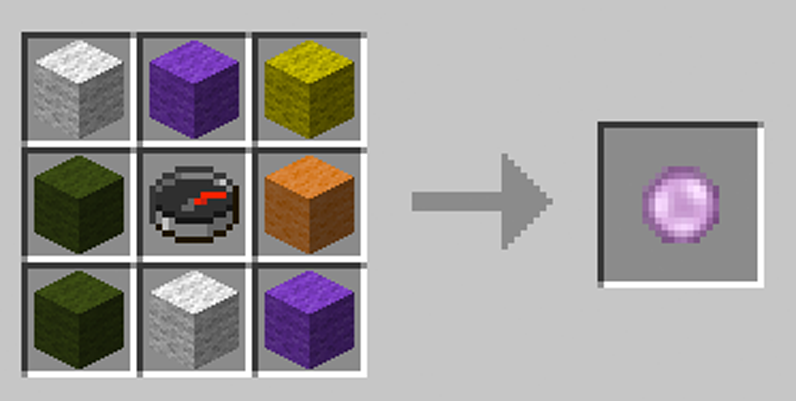
There are some caveats to this mod, though. It seems at a certain distance or if there isn’t a direct walkable path to your destination, the magic yarn may not find your waypoint. But if you wander close enough to it and keep trying with the yarn, you should be able to activate it if you come with in a walkable range.
yarnrecipe
Download

Monday, August 12, 2019

Dynamic Lights Mod

The Dynamic Lights Mod is one that you’d think would be an obvious thing when it comes to light sources in Minecraft. When you hold a light source, be it a torch or glowstone block or anything in between, before placing it it should give off some sort of light. Well, it doesn’t… until now.
Torch
This mod simply adds a little more realism to the game by making light sources glow in your hand before placing them. This also makes cave exploration a little more practical and could even save you in a pinch if you’ve run out of coal and wood to make new torches and only have one or two in your inventory.
lightsources
What’s also neat about this mod is that everything that should have glowed before now does. If you’ve set a zombie on fire you’d expect to see a glow around it. Now it’s a reality.
zombie
You can even get some extra use out of a golden helmet because that glows now too. And if you know how to set stats in the config files you can essentially make any item glow with this mod.
Download

Minions Mod

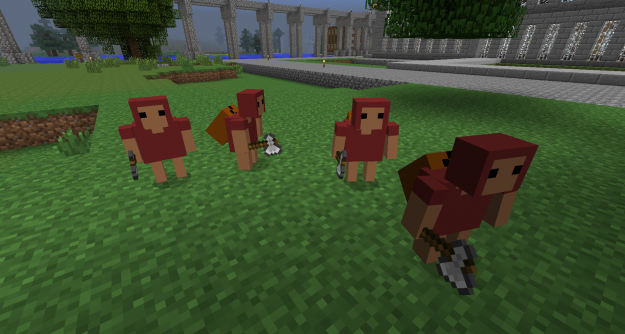
Have you ever wanted to simply build in Minecraft without all the hastle of mining for materials? Well the Minions Mod might just be what you’re looking for.
Minions
This mod takes all the tediousness of mining for materials and ores so you have more time to build your world the way you want. It makes the game a little more fun than simply turning on creative mode. Essentially with this mod you acquire four minions to do the tasks you deem unworthy of your time.
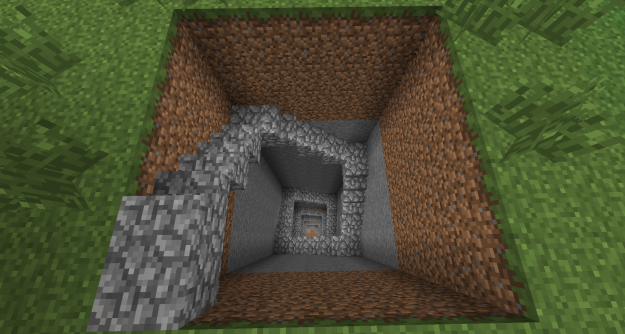
Such as creating and stripping a mine:
Mined
Or razing a forest in minutes:
RazedForest
And when the job is finished they will either deliver their goods to you/a designated chest or you can right click them at any time to reap their spoils.
Spoils
It’s simple to summon the minions. After you’ve attained enough XP to do four evil deeds, you’ll get the Master’s Staff. It will then allow you to summon up to four minions to do your bidding. It’s up to you whether you are a cruel or kind master.
Download

Ruins

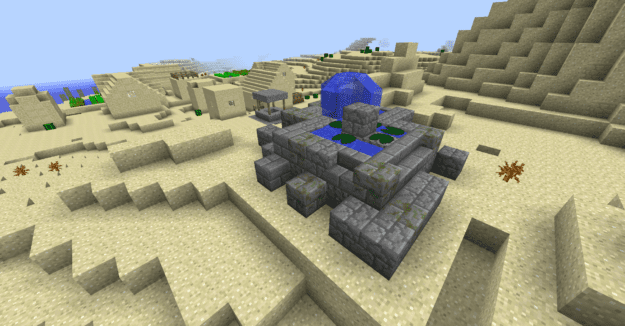
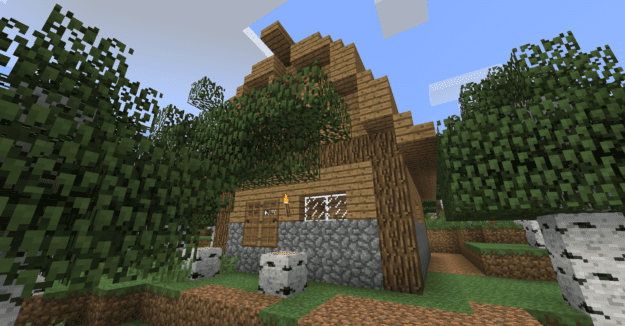
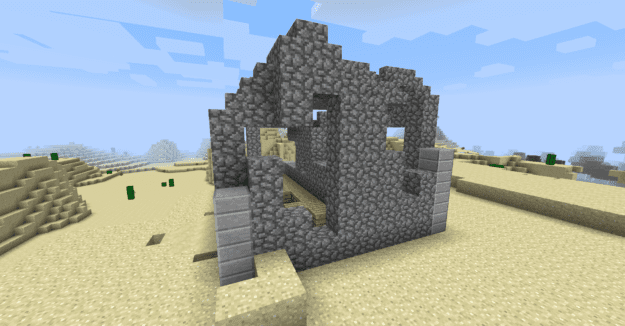
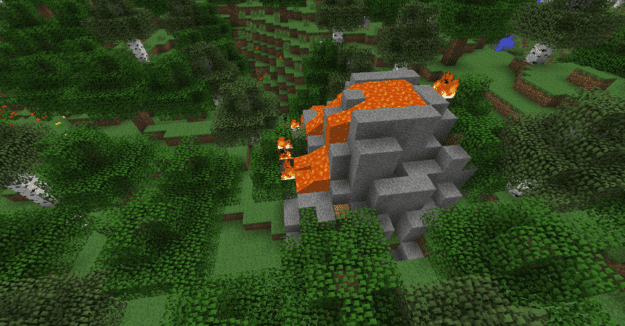
Based on an older mod by d00dv4d3r, the Ruins mod adds a huge sense of adventure to Minecraft by putting in tons of randomly generated structures like houses, temples, and even castles in the sky.
Ruins (4)
The sheer amount of ruins available with this mod is incredible and will never leave you bored. Every structure is detailed and has many different elements for you to explore.
Ruins (7)
Ruins (6)
Some ruins can be dangerous or seemingly random…handle wisely!
Ruins (9)
The coolest part about this mod? With a little extra work (information can be found on the forum page) you can implement your own random structures, or import other people’s structures into Minecraft.
Download