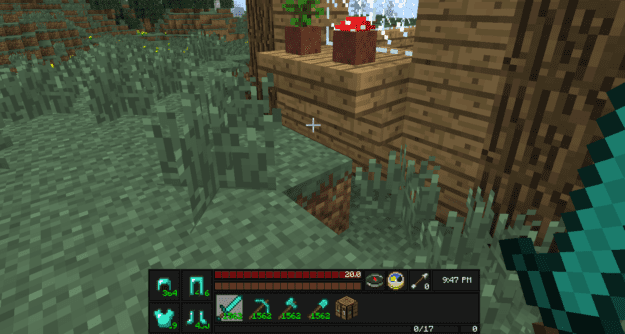
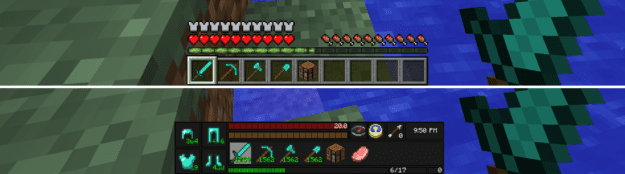
The Advanced HUD mod is a simple tweak that allows you to customize the placement of the HUD elements on your screen. This means if you’d like to move around your toolbar, health/armor/food/water blips, and XP bar to anywhere on the screen you can do so with this mod.
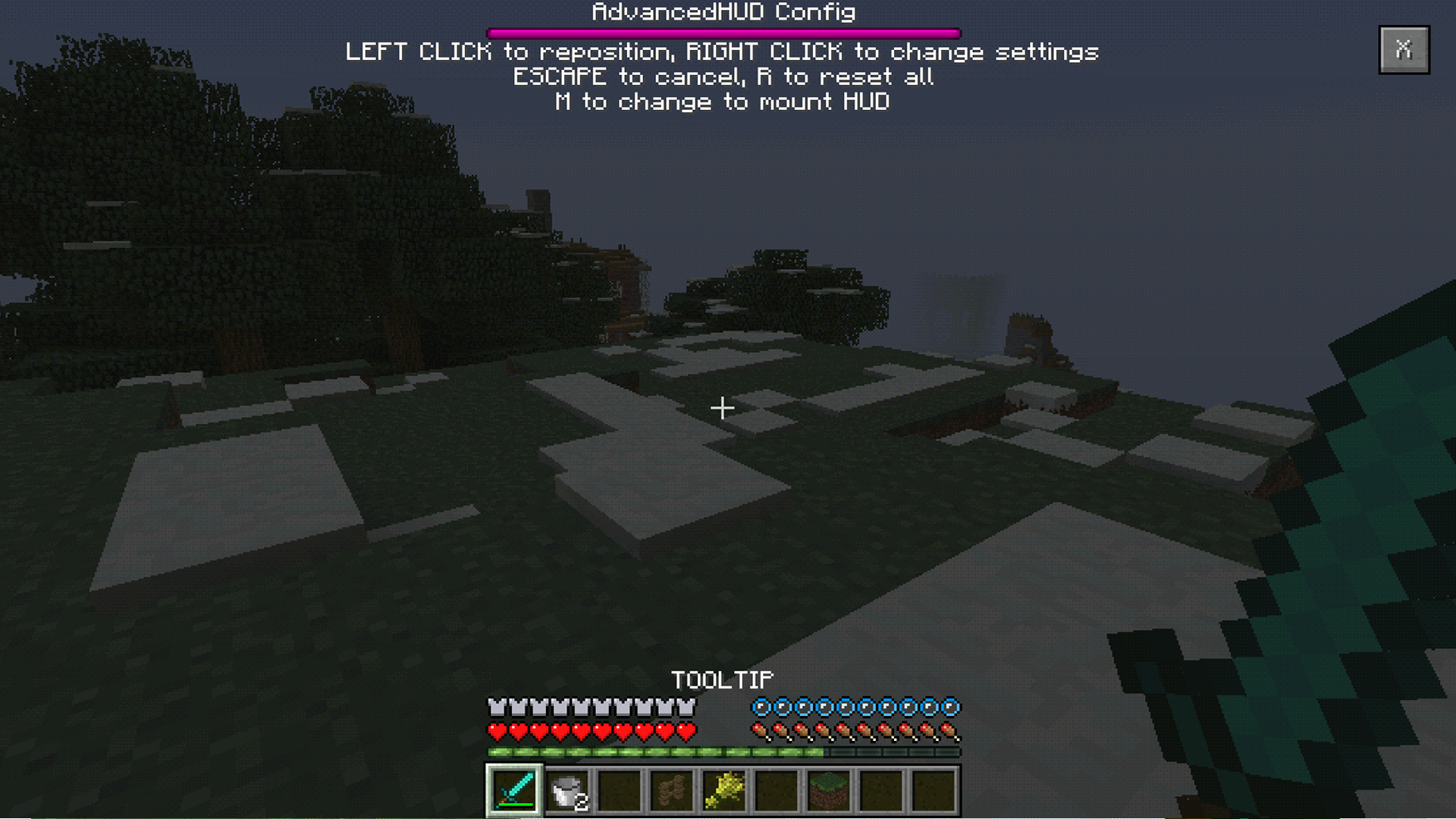
You activate the mod with the ‘H’ key and that brings up the GUI to start moving your HUD elements. You can place the items anywhere you like. Maybe you want your elements at the top of the screen instead of the bottom. Well just move them up there!
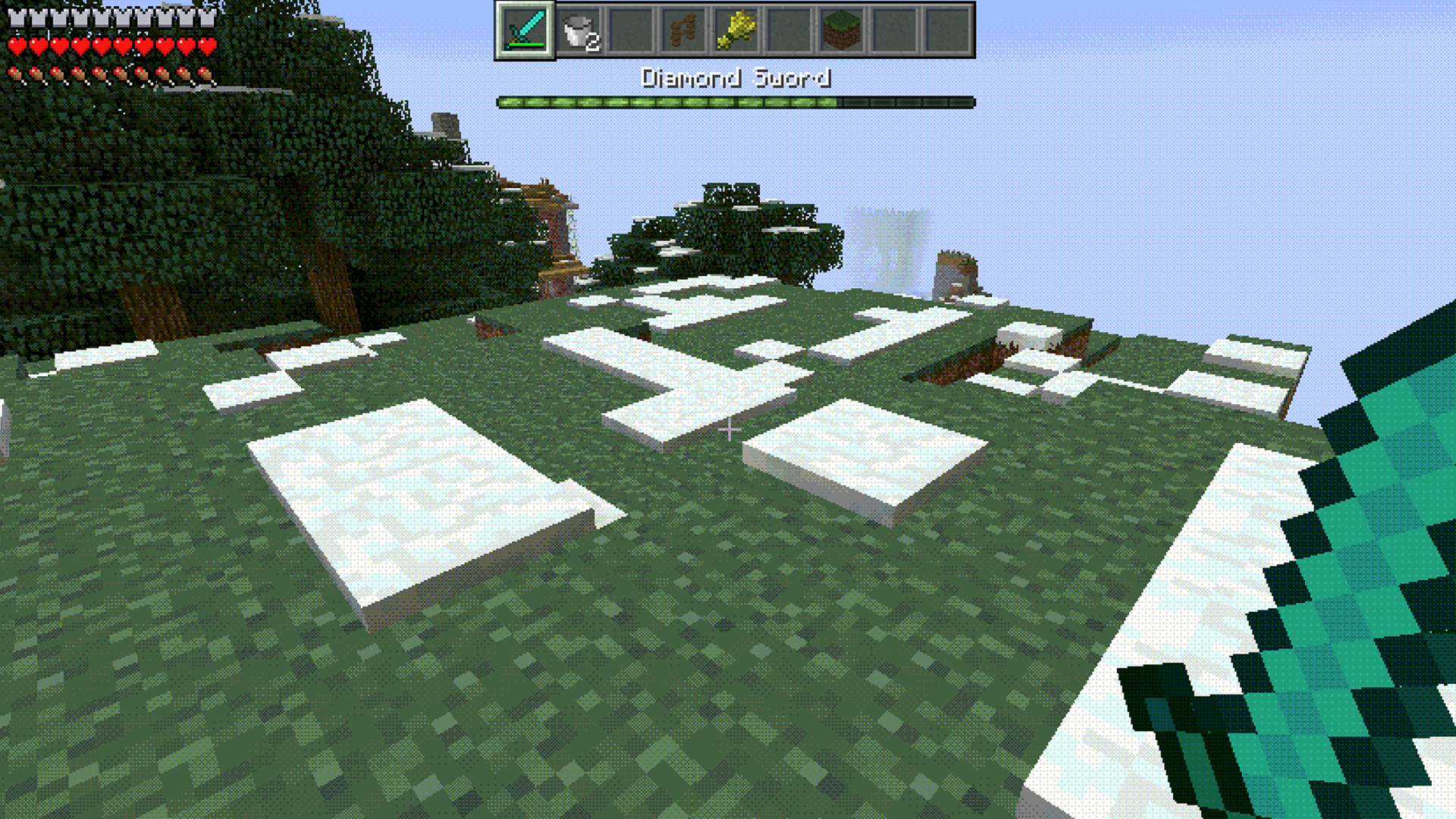
If you right-click an element you can rotate it. This is useful if you want to place your HUD on the left or right side of the screen. Sometimes you may want full top to bottom real estate and this mod helps in that regard.
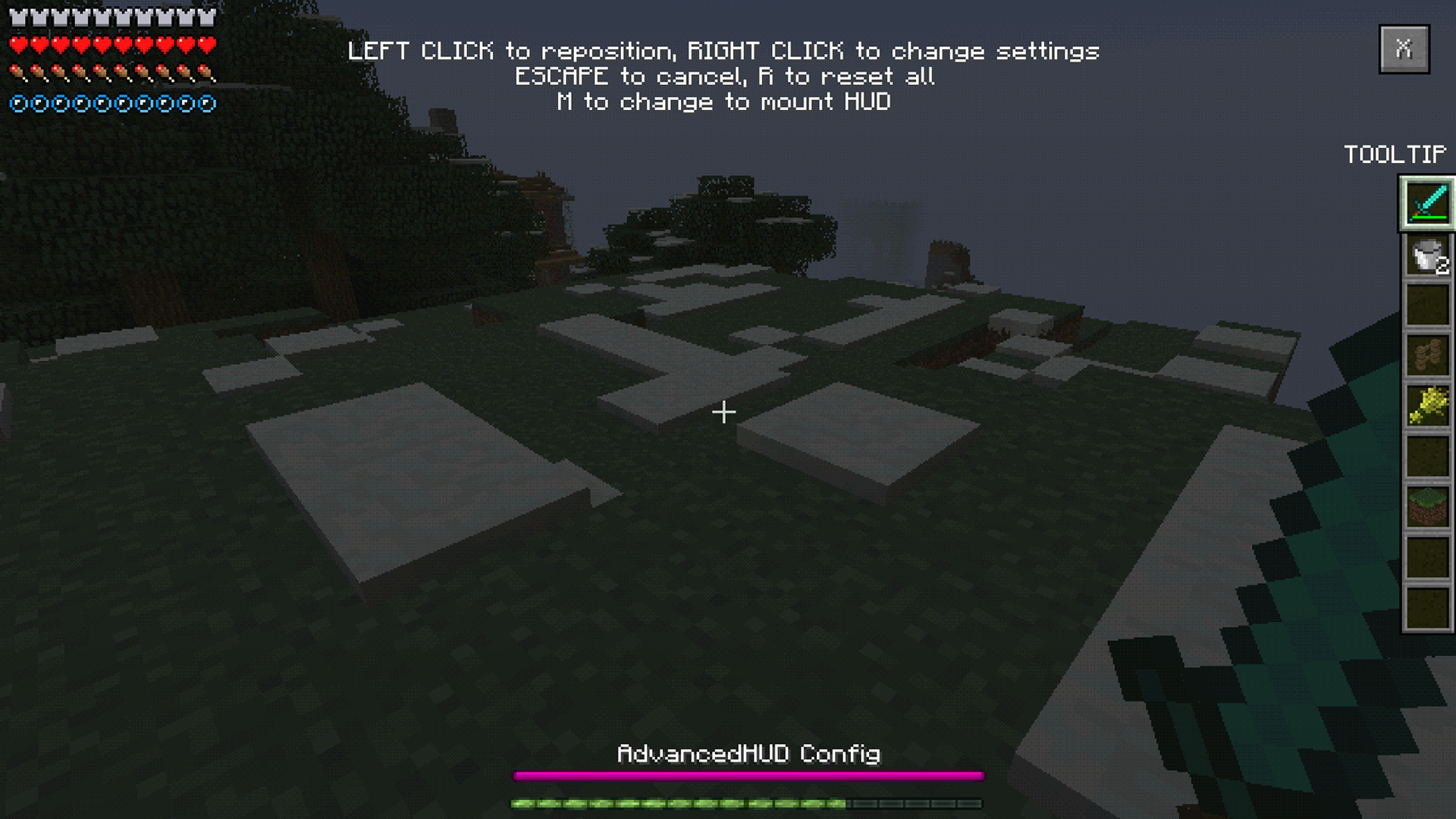
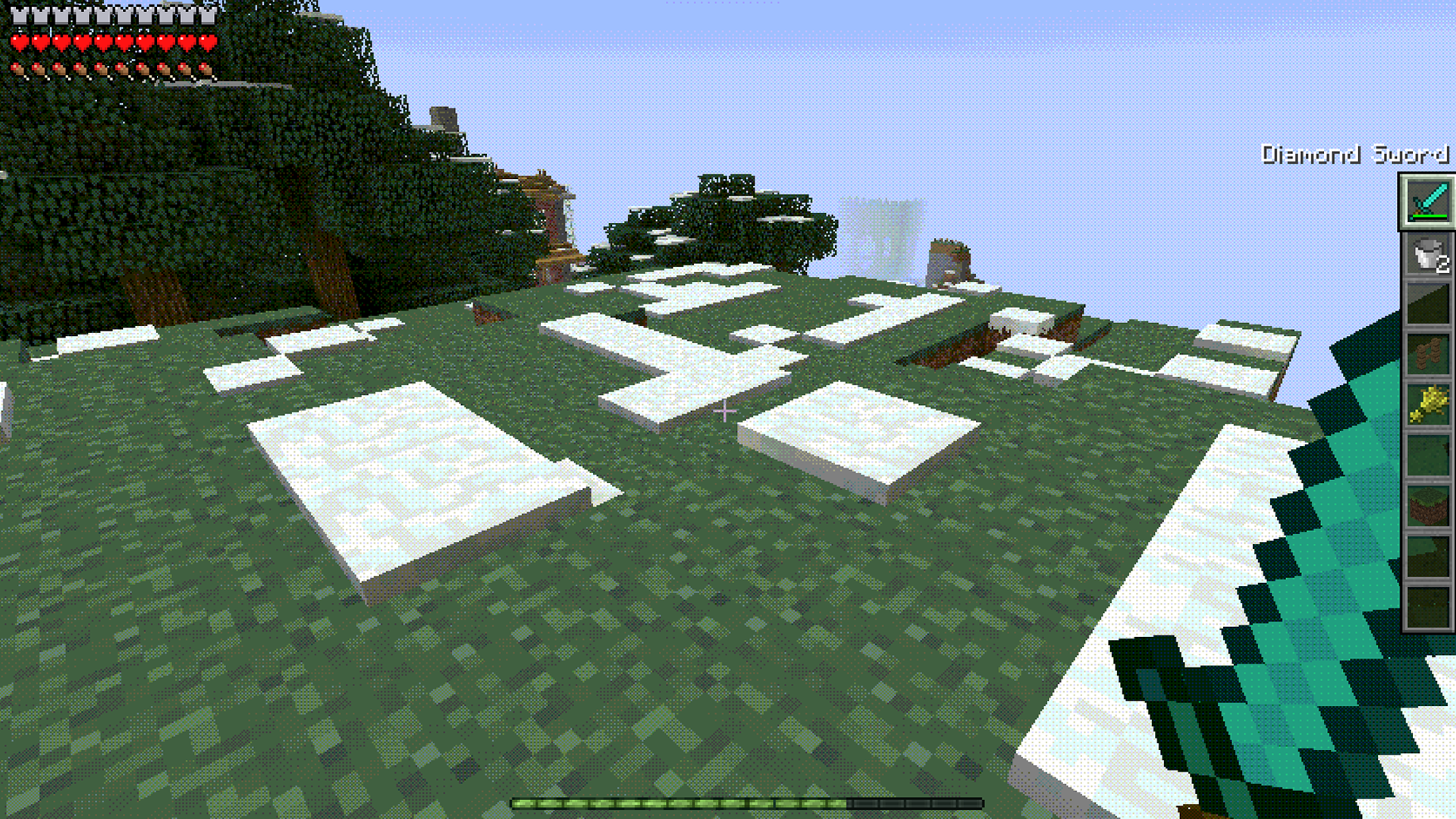
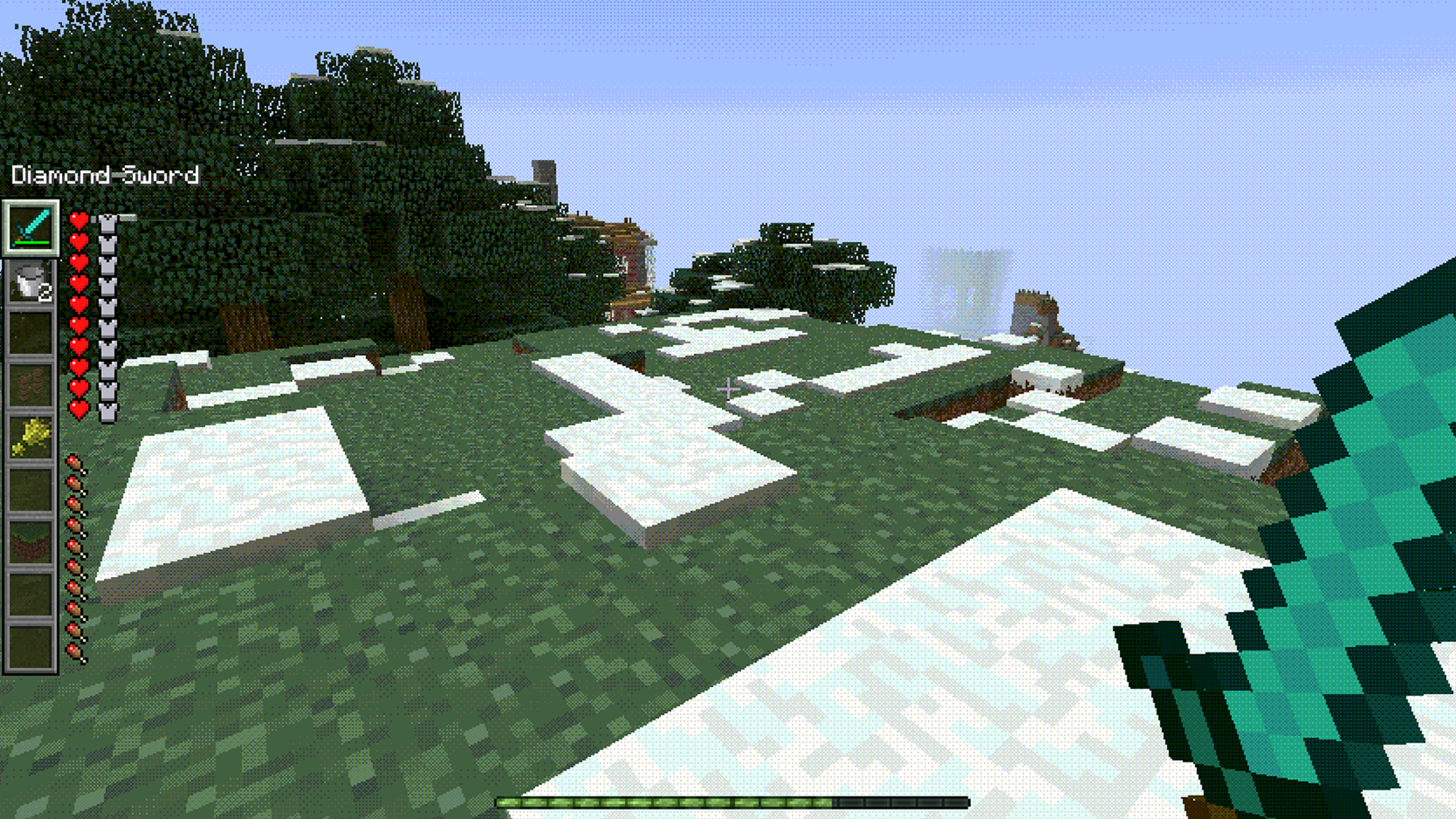
It’s a pretty neat mod to play around with if you’re not too happy with the current default HUD setup or you just want to experiment with different placements of the elements. Customize the Minecraft HUD the way you want!